Transfer photos &
videos wirelessly
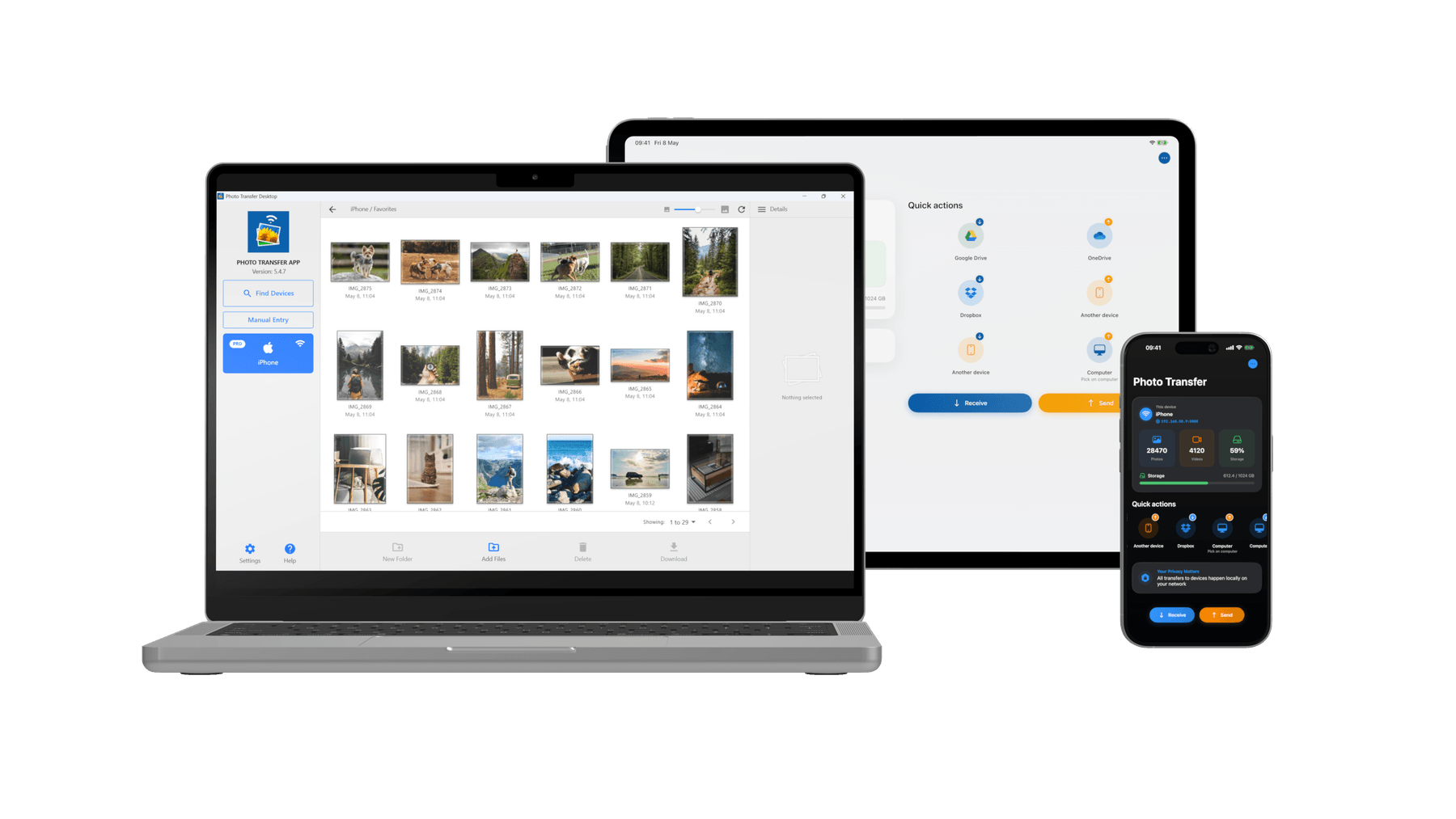
No cables, no cloud, no hassle. Move photos and videos between any device at full quality — privately and instantly.


Why Photo Transfer
The reasons millions of users choose Photo Transfer over cables, cloud uploads, and other apps.
Ultra-Fast Wireless
Transfer directly over your local WiFi network — no internet needed, no upload queues, no waiting.
Private by Design
Your photos never leave your local network. No servers, no cloud, no third parties.
No Account Needed
No sign-up, no login. Open the app and start transferring immediately.
Browser Access
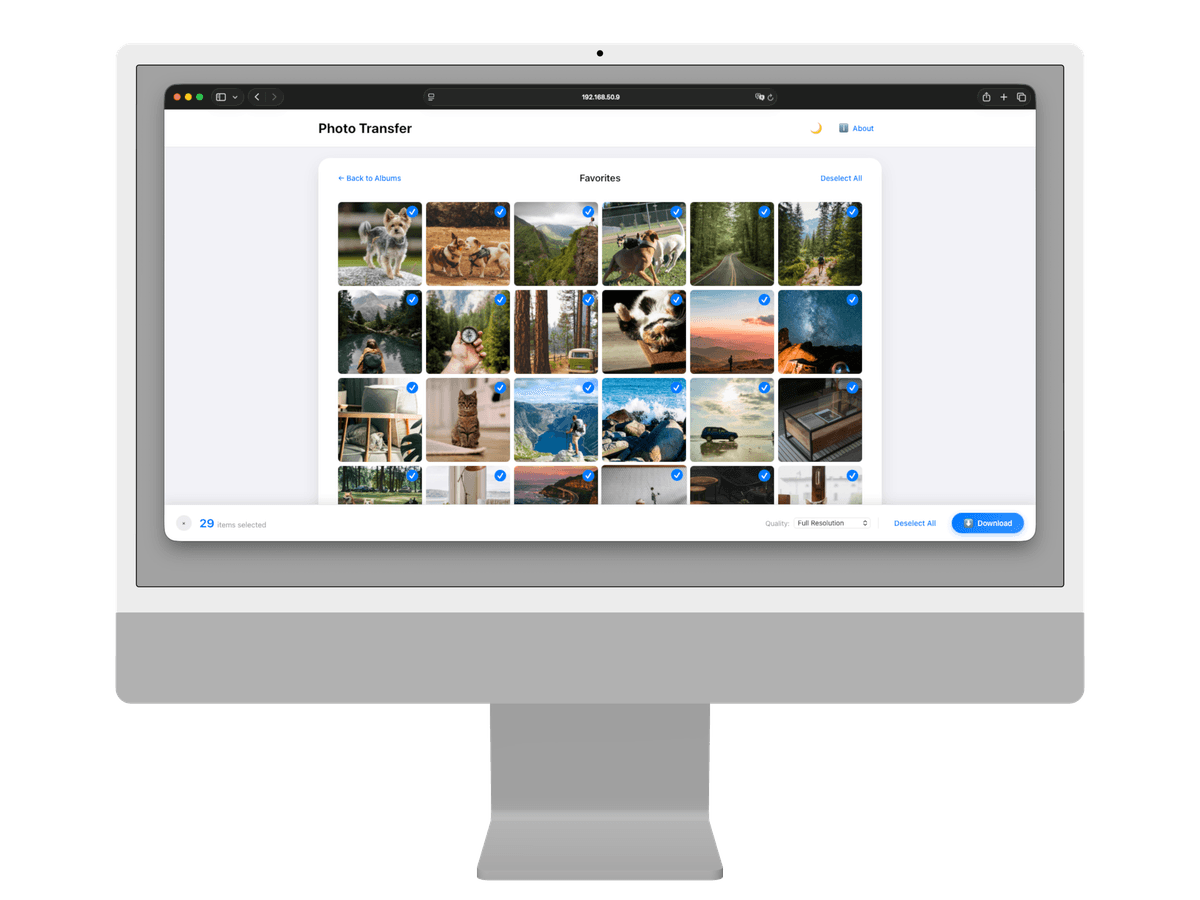
No app needed on your computer. Open any web browser and transfer instantly.
Everything You Need
Original Quality
Full resolution photos and 4K videos. Zero compression.
RAW & Live Photos
Live Photos, ProRAW, DNG, and professional camera formats.
Metadata Preserved
EXIF data, GPS locations, and timestamps stay intact.
HEIC to JPEG
Automatic format conversion for universal compatibility.
Albums & Batch Select
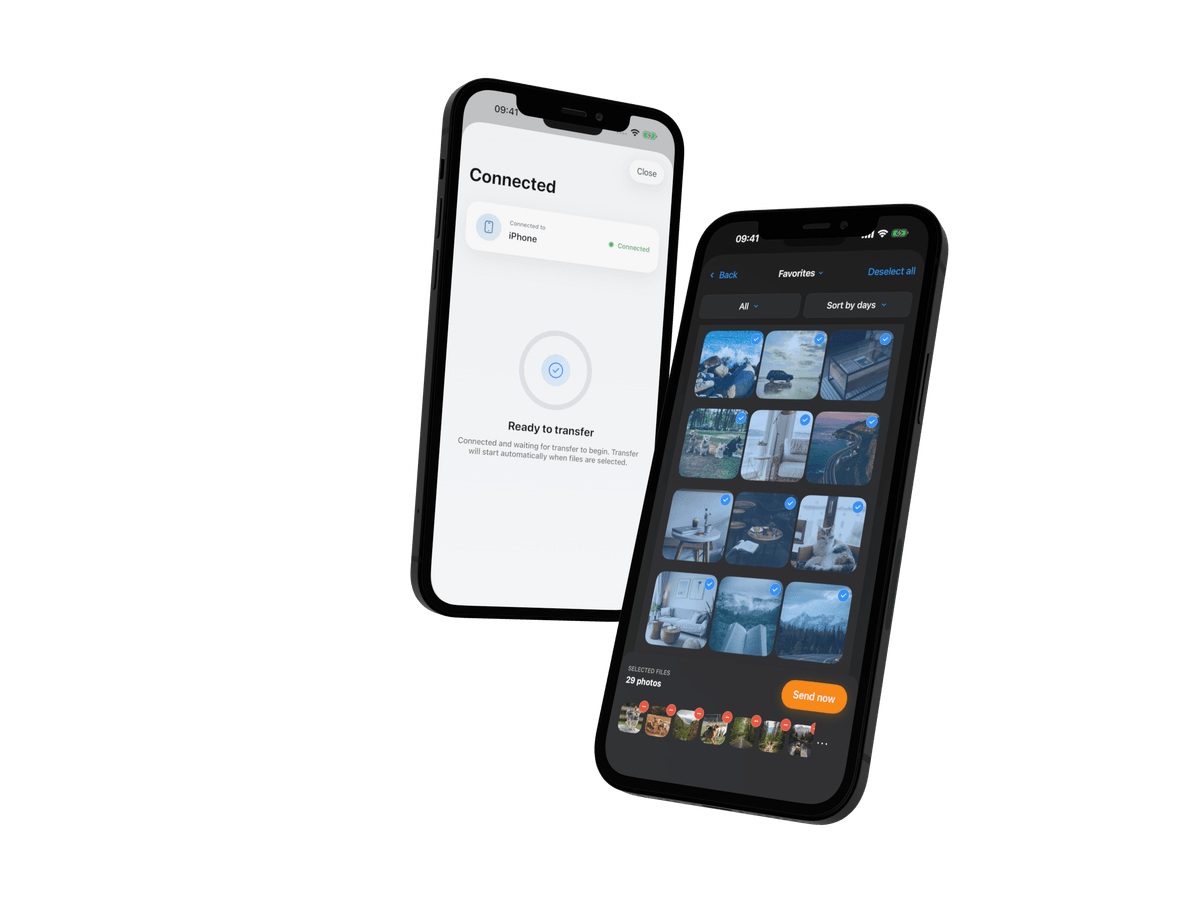
Browse by album and transfer multiple items at once.
Desktop App
Dedicated Mac and Windows apps with drag-and-drop.
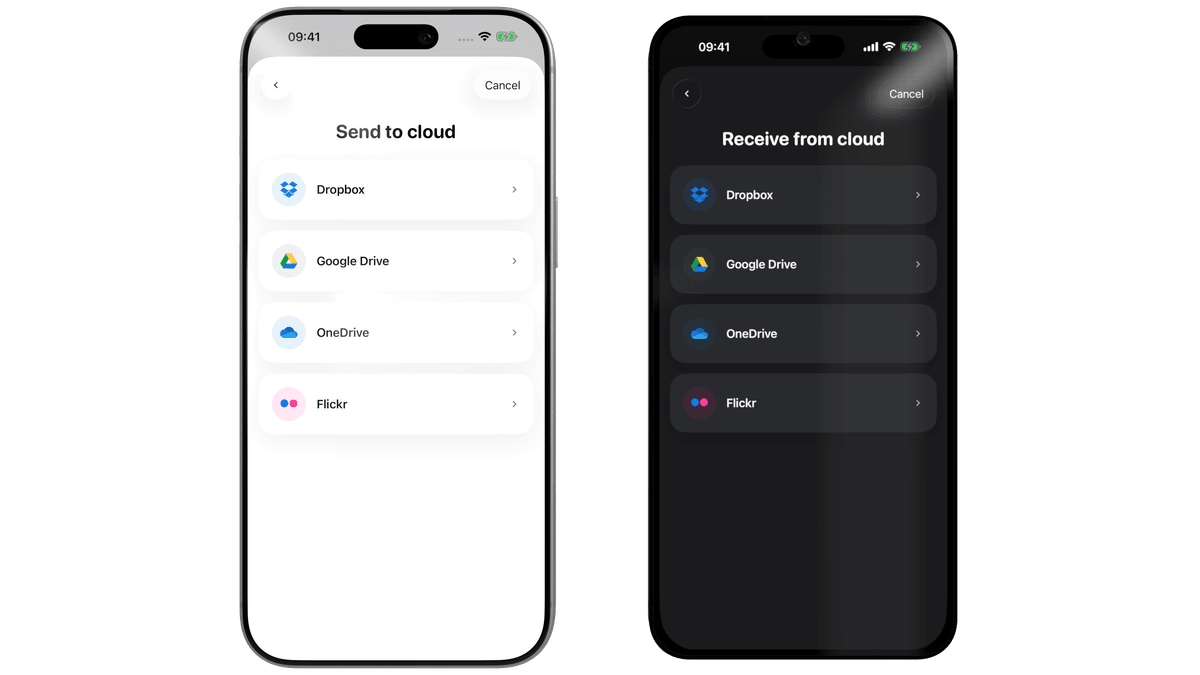
Cloud Backup
Dropbox, Google Drive, OneDrive, and Flickr. With PRO.
Cross-Platform
Works between iPhone, Android, Mac, Windows, and any browser.
One App, Every Way to Transfer
Whether you're moving photos to your laptop, another phone, the cloud, or just a web browser — Photo Transfer handles it.
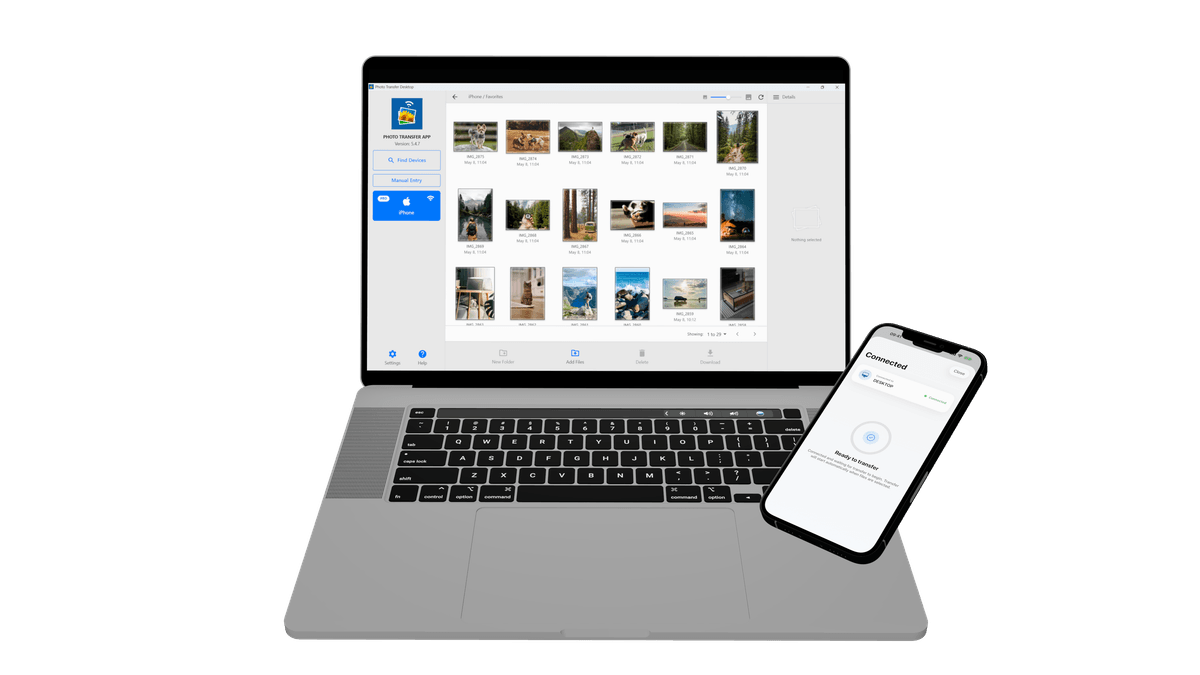
Phone to Computer
Transfer photos and videos between your phone and Mac or PC. Use the desktop app for drag-and-drop, or simply open any web browser — no install required on the computer.
- check_circle Desktop app or web browser
- check_circle Drag & drop support
- check_circle No cables, no iTunes
Loved by Millions
Your photos belong to you.
Move them freely.
Join over 3 million users who transfer photos and videos the fast, private way — no cables, no cloud, no hassle.